Settings
Configure pgpilot appearance and language preferences.
Accessing Settings
Section titled “Accessing Settings”Click Settings (gear icon) at the bottom of the sidebar.
pgpilot offers two visual themes:
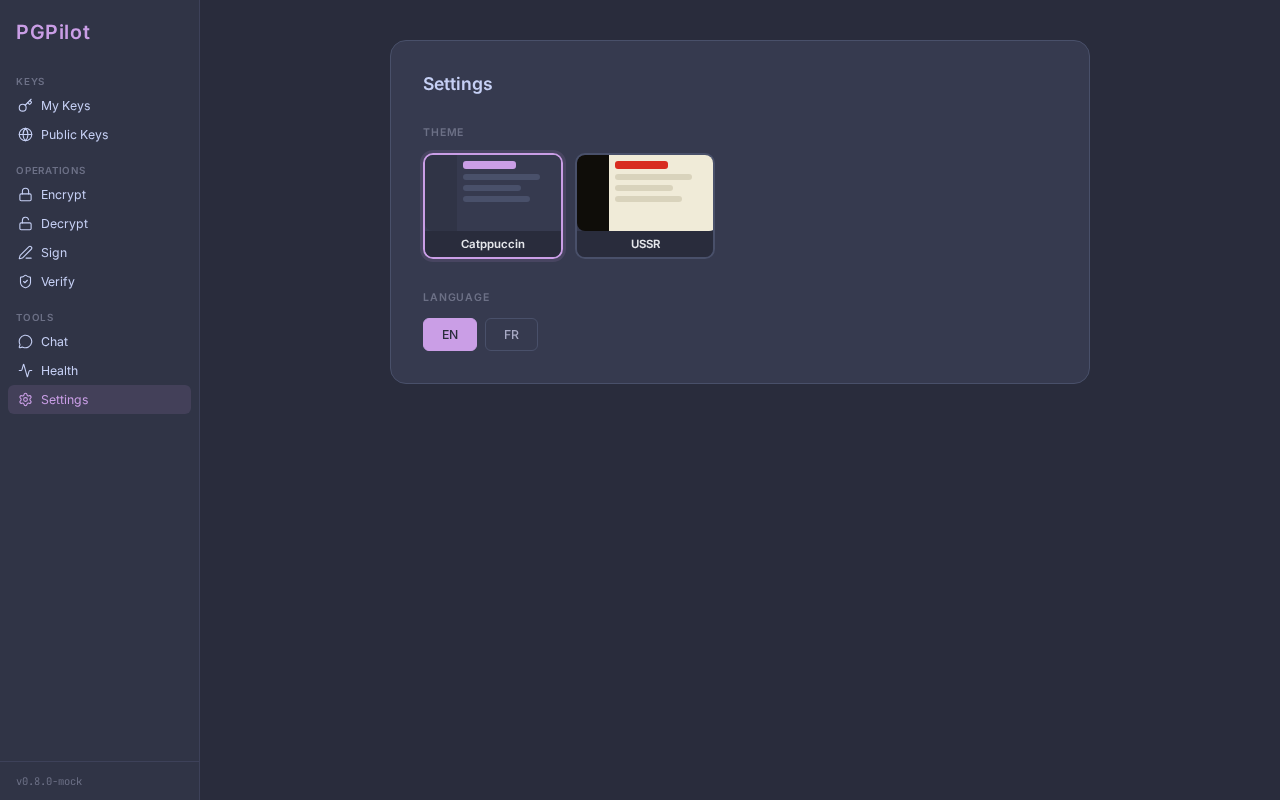
Catppuccin Frappé (default)
- Dark interface with Mauve accent color
- Based on the Catppuccin color palette
- Suits most environments and lighting conditions
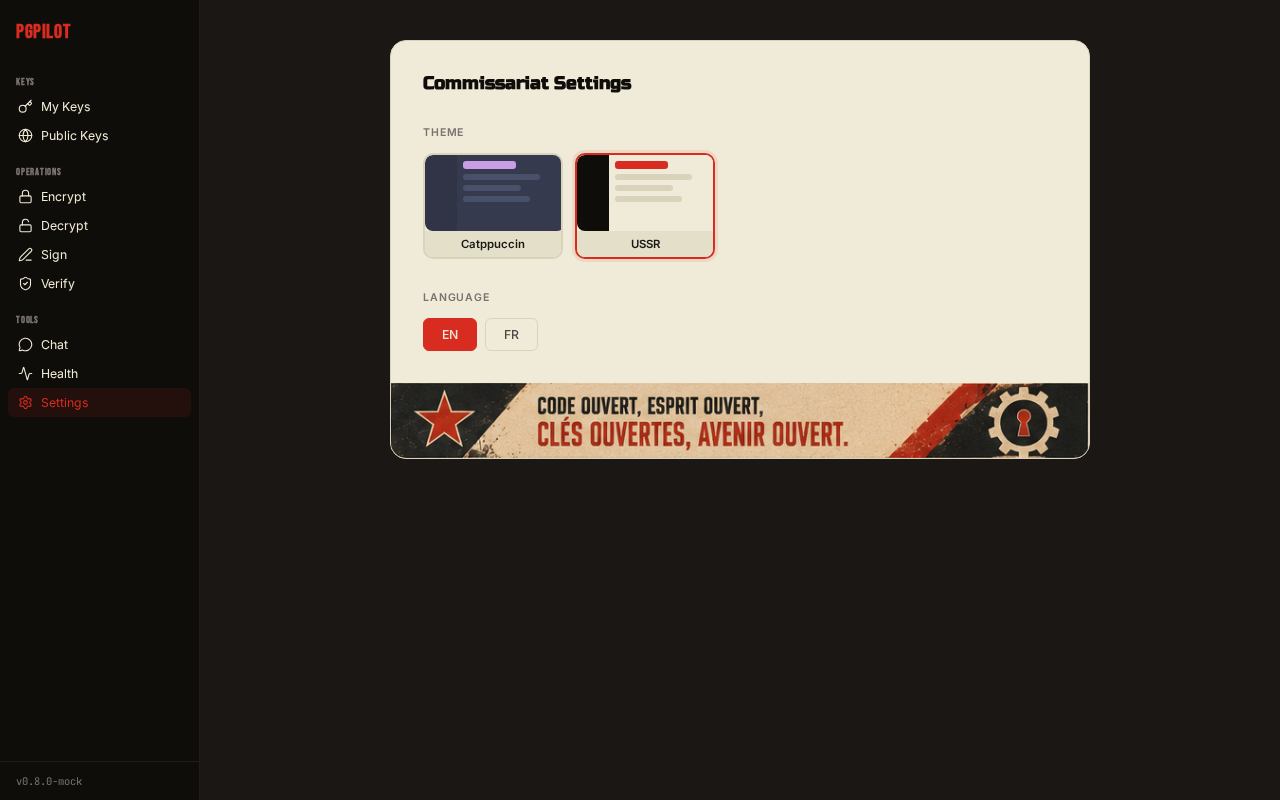
USSR
- Soviet-inspired theme with cream content areas and near-black sidebar
- Red accent color, Bebas Neue font for navigation, Russo One for content
- Page titles display humorous Soviet-flavored text (“Encrypt for the People”, “Report to the Commissariat”…)
- Propaganda banners in each view (USSR-themed images)
- Circular SVG badges for key status (keyserver, YubiKey, trust levels)
- Best experienced as a fun easter egg
To change the theme:
- Open Settings
- Under Theme, click the card for Catppuccin Frappé or USSR to preview
- The theme applies immediately — no restart required
UI Scale
Section titled “UI Scale”The scale factor adjusts the size of the entire interface. This is useful when:
- The interface appears too large on a 1080p monitor → reduce to 75% or 50%
- The interface appears too small on a HiDPI / 4K monitor → increase to 125% or 150%
Available values: 50%, 75%, 100% (default), 125%, 150%, 175%, 200%
To change the scale:
- Open Settings
- Under UI Scale, use the slider with tick marks to select the desired percentage
- The change applies immediately
Note: The scale factor is stored in your preferences and restored on next launch. If the interface becomes unusable after a scale change, delete
~/.config/pgpilot/config.yamlto reset to defaults.
Language
Section titled “Language”pgpilot supports English and French.
On first launch, the language is auto-detected from your system locale ($LANG / $LC_ALL). If your locale starts with fr, French is used; otherwise English.
To change the language:
- Open Settings
- Under Language, click the English or French button
- The interface updates immediately
Preferences file
Section titled “Preferences file”All settings are stored in ~/.config/pgpilot/config.yaml. Example:
language: englishtheme: catppuccinscale_factor: 1.0This file is created automatically on first launch. Deleting it resets all preferences to defaults. It does not contain any GPG keys or sensitive data.