PGP Chat
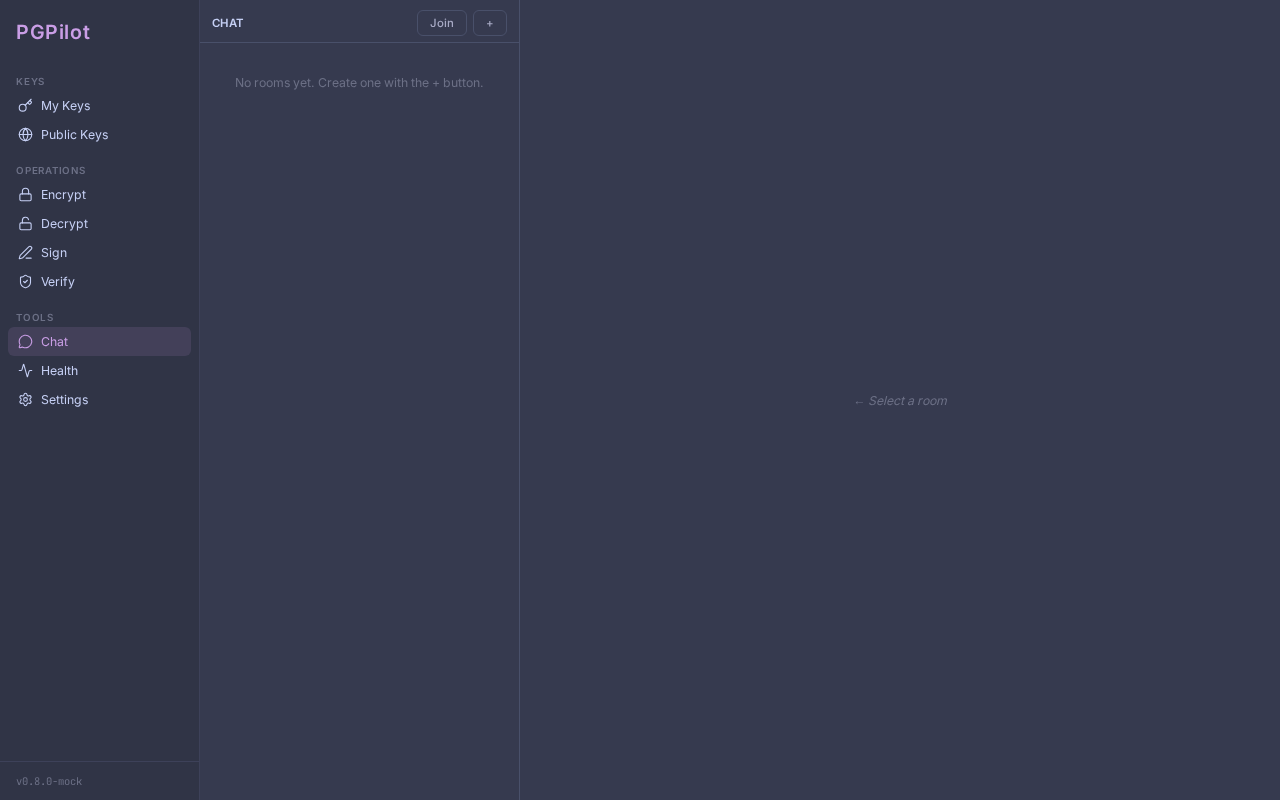
PGPilot includes an end-to-end encrypted chat, built on OpenPGP and MQTT. Messages are ephemeral — closing PGPilot deletes them permanently.
Security model in one sentence
Section titled “Security model in one sentence”Every message is encrypted with the recipients’ public keys and signed with your private key. The relay server sees only encrypted blobs.
Prerequisites
Section titled “Prerequisites”- Your contacts’ public keys must be in your local keyring. Import them from a keyserver or file before creating a room.
- A working private key (software key or YubiKey — gpg-agent handles both, including PIN prompts and touch policies).
Creating a room
Section titled “Creating a room”- Click Rooms in the sidebar.
- Click + New.
- Select Your identity in this room (your private key).
- Enter a Room name (local only — not shared).
- Enter the Relay URL (default:
mqtts://broker.hivemq.com:8883). - Select Participants from your keyring.
- Click Create room.
Sharing an invitation
Section titled “Sharing an invitation”- Open the room.
- Click Copy invite in the header.
- Share the
pgpilot:join:...code out-of-band (email, Signal, in person). The code is signed with your private key — recipients verify it is from you.
Joining a room
Section titled “Joining a room”- Click Rooms → Join.
- Select Your identity in this room.
- Paste the
pgpilot:join:...code. - Click Join. PGPilot verifies the invitation signature before connecting.
Sending a message
Section titled “Sending a message”Type in the compose bar and press Enter (or click ►). Messages are encrypted for all participants before being published.
Verifying sender identity
Section titled “Verifying sender identity”Every message displays a lock icon next to the sender’s name when the GPG signature was successfully verified.
Click the lock icon (or the sender’s name) to expand an identity panel showing:
- Verified signature — GPG confirmed the message was signed with this key
- Name and email — from the key metadata
- Full fingerprint — the 40-character cryptographic identifier; compare it out-of-band (phone, Signal, in person) to confirm the sender’s identity
- Trust level — your local assessment of this key (Undefined / Marginal / Full)
If you see ⚠ instead of a lock icon, the sender’s public key is not in your keyring. The message still decrypted (your private key worked), but the signature could not be verified. Import the sender’s key to verify future messages.
Click again to close the identity panel.
Presence indicators
Section titled “Presence indicators”- ● Online — participant is connected to the relay.
- ○ Offline — participant has disconnected or not yet joined.
Delivery receipts (ACK)
Section titled “Delivery receipts (ACK)”Below each sent message:
- ✓ Name — the participant decrypted your message.
- ⏳ Name — the participant is offline; receipt pending.
Security
Section titled “Security”Messages are ephemeral. Closing PGPilot permanently deletes all messages.
No chat log is written to disk. Only rooms.yaml persists (room IDs and
participant fingerprints — no message content).
The relay is blind. The MQTT broker sees only encrypted blobs, an opaque
room identifier (SHA256(room_id) truncated), and presence status.
Identity is cryptographic. Every message carries a GPG signature. PGPilot verifies the signature before displaying any content. Spoofing your identity requires your private key.
Change the relay. You can use any MQTT broker supporting TLS (port 8883). Self-host Mosquitto or HiveMQ for production use.
Limitations
Section titled “Limitations”- No offline delivery. Messages sent while you are offline are lost.
- No persistence. Restarting PGPilot clears all message history.
- Public relay (default).
broker.hivemq.com:8883(HiveMQ public broker, TLS, no SLA). Use a private MQTT broker for sensitive communications. - YubiKey with touch policy: if your card requires a physical touch per operation, you will need to touch it for each message sent and each message received (decryption). With a “touch once per session” policy this is transparent.